Getting WepSIM
1. Run WepSIM from Web browser
To use WepSIM from a Web browser please follow these steps:
- Open your (compatible) Web browser
- Please check that you have a compatible Web browser:
- Google Chrome 100+, Mozilla Firefox 100+, Microsoft Edge 100+, or Apple Safari 16+
- Google Chrome 100+, Mozilla Firefox 100+, Microsoft Edge 100+, or Apple Safari 16+
- Please check that you have a compatible Web browser:
- Click on the link https://wepsim.github.io/wepsim
- A nightly build version is also available at https://acaldero.github.io/wepsim
2. Install WepSIM as Progressive Web Application (PWA)
WepSIM can be installed on iOS, Android, Windows, Linux, etc. as a Progressive Web Application.
To install WepSIM as a Progressive Web Application (PWA), please follow these steps:
| Step | iOS | Android | Action to perform |
|---|---|---|---|
| 1 | 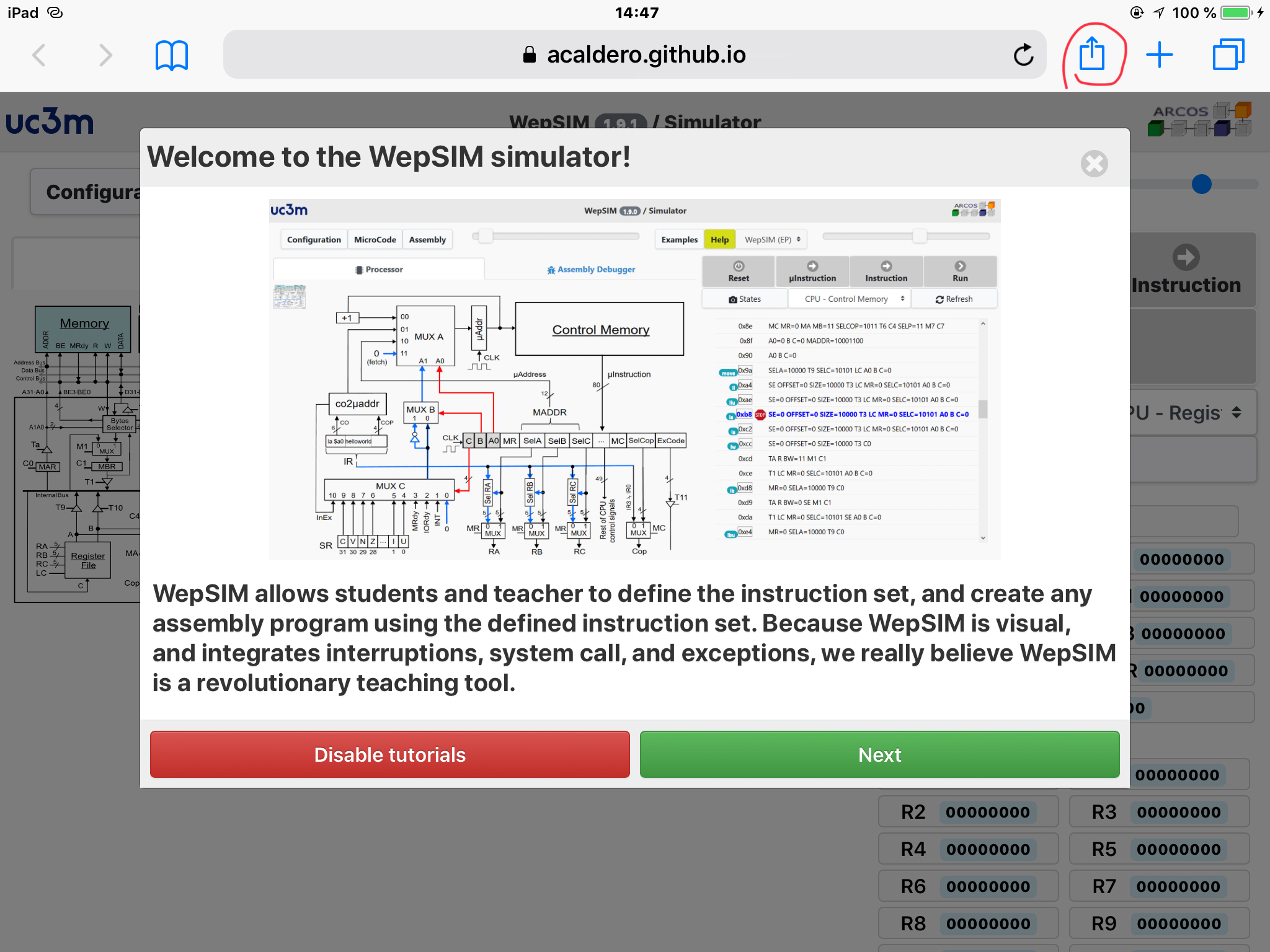 |
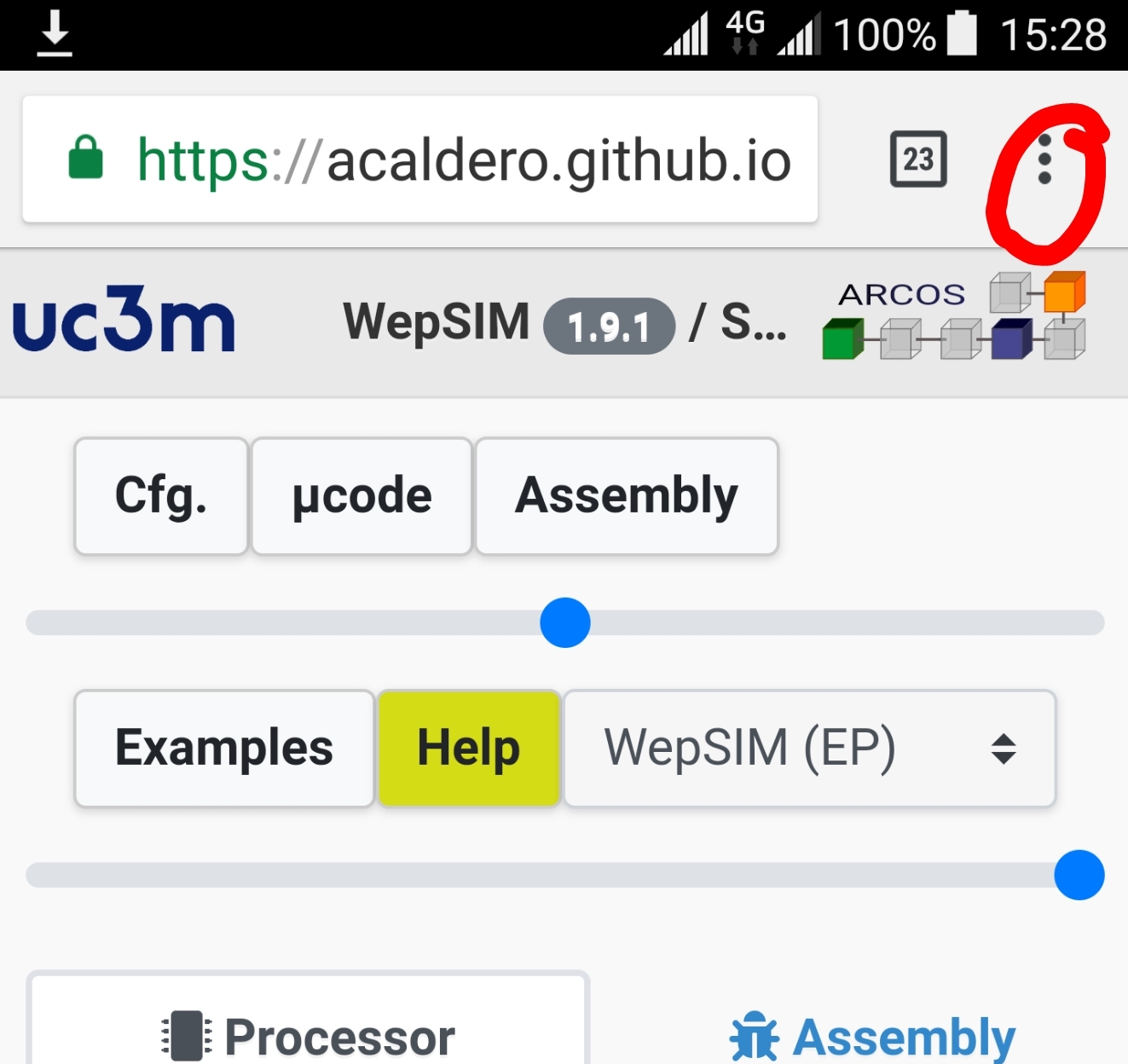 |
First, open Safari (iOS, MacOS) or Chrome (Android, Windows, Linux) and load https://wepsim.github.io/wepsim. From the top-right corner, tap on the share icon (Safari) or the menu icon (Chrome). |
| 2 | 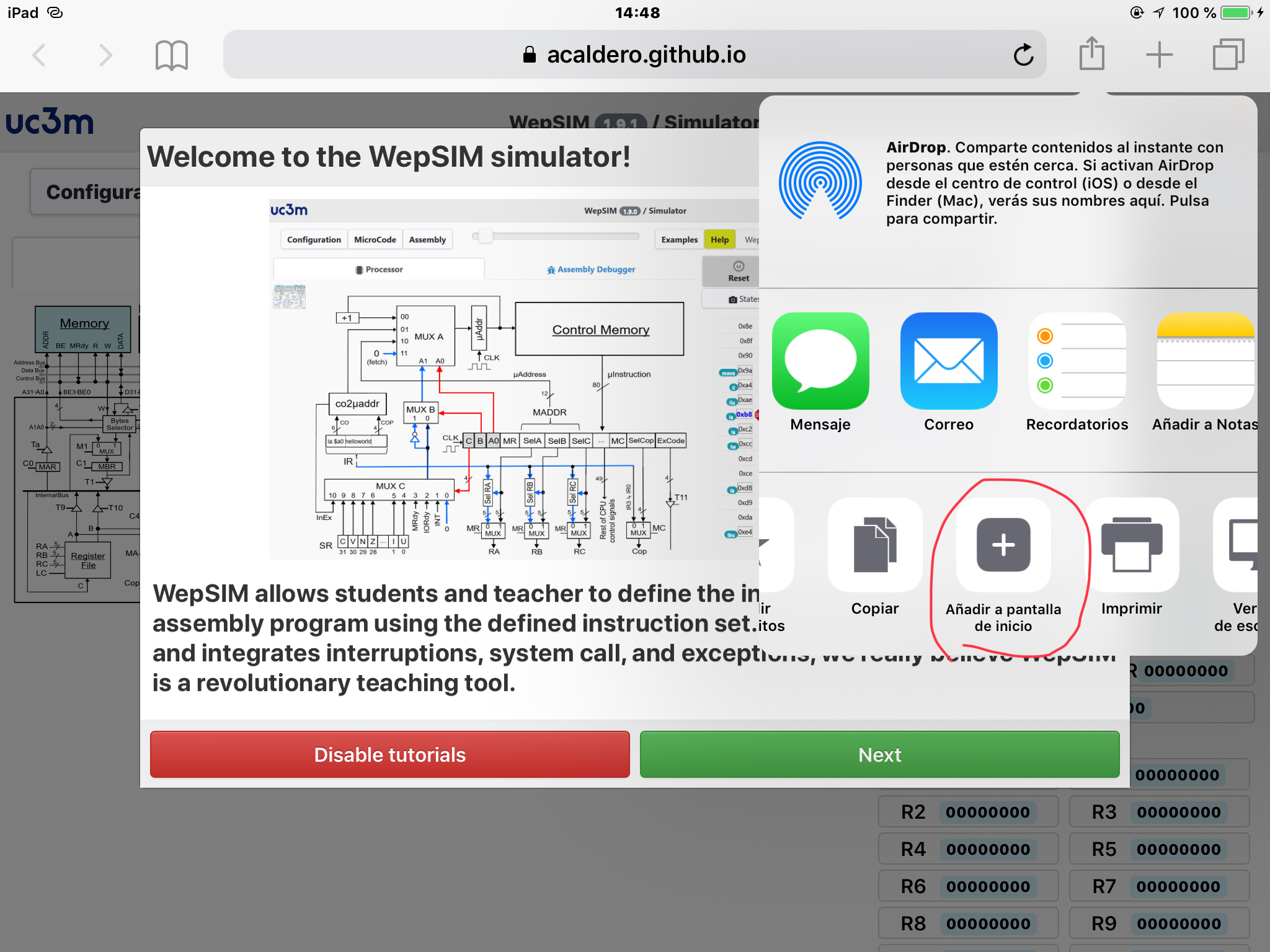 |
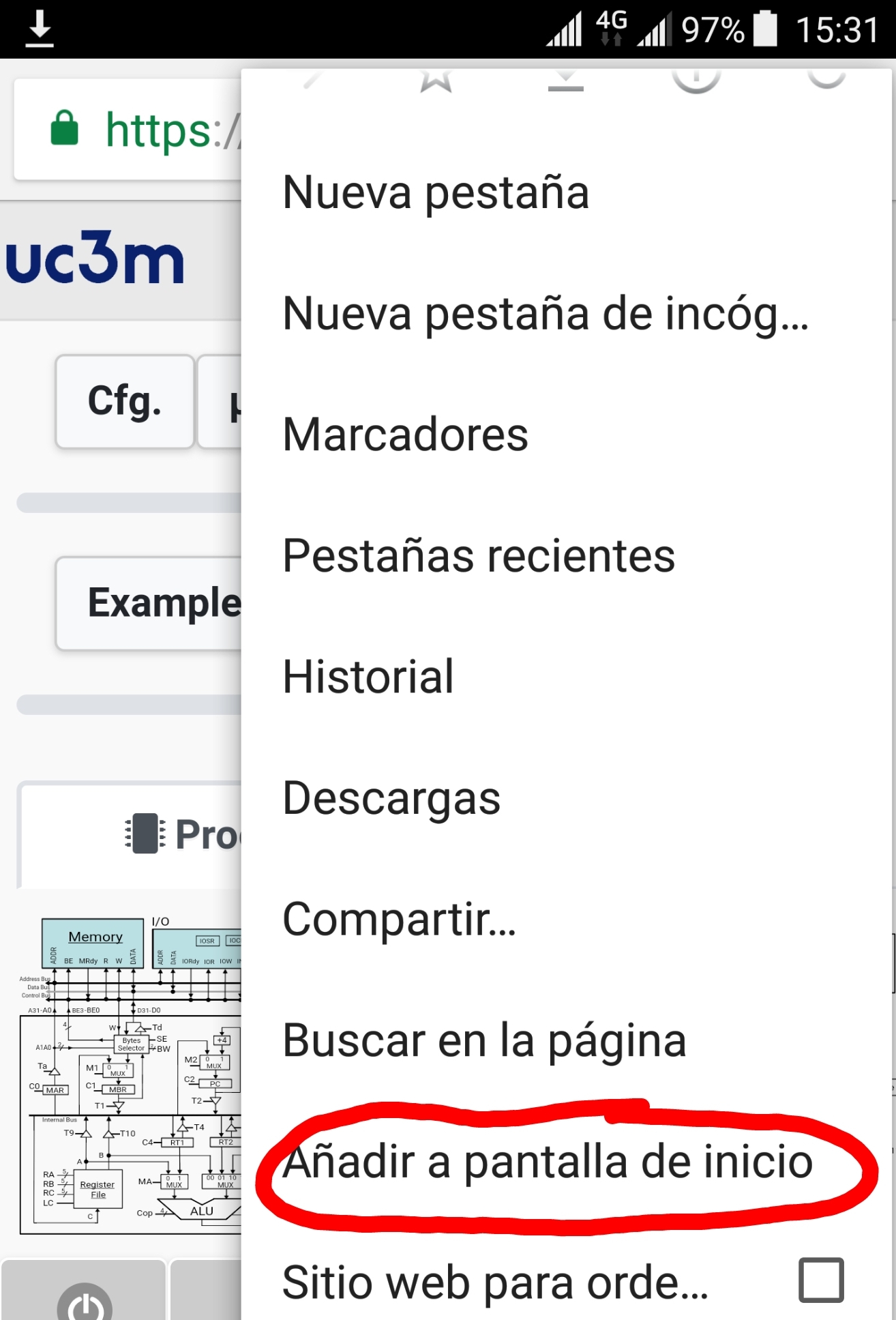 |
Move within share options until 'add to home screen' option and click on it. |
| 3 | 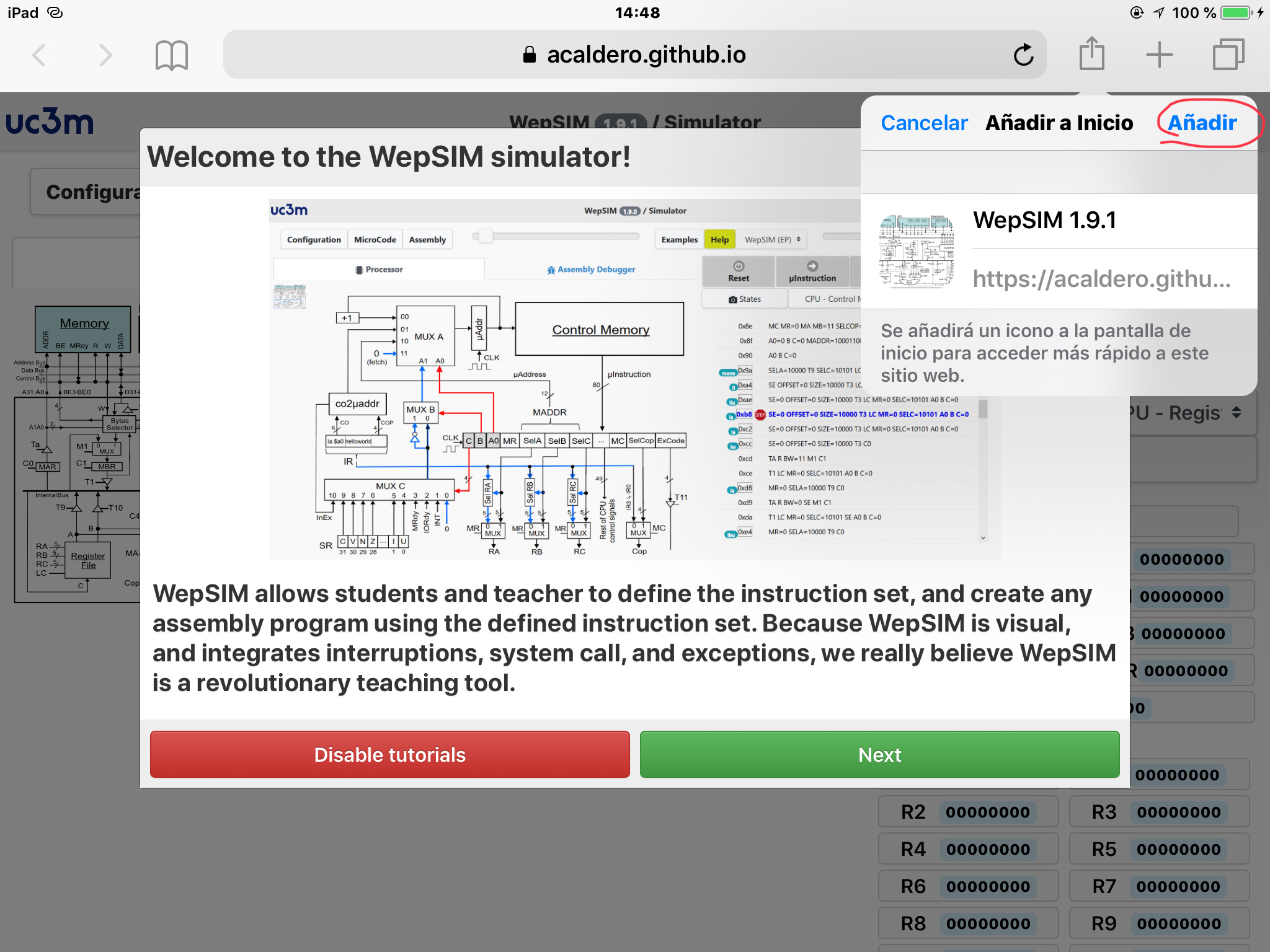 |
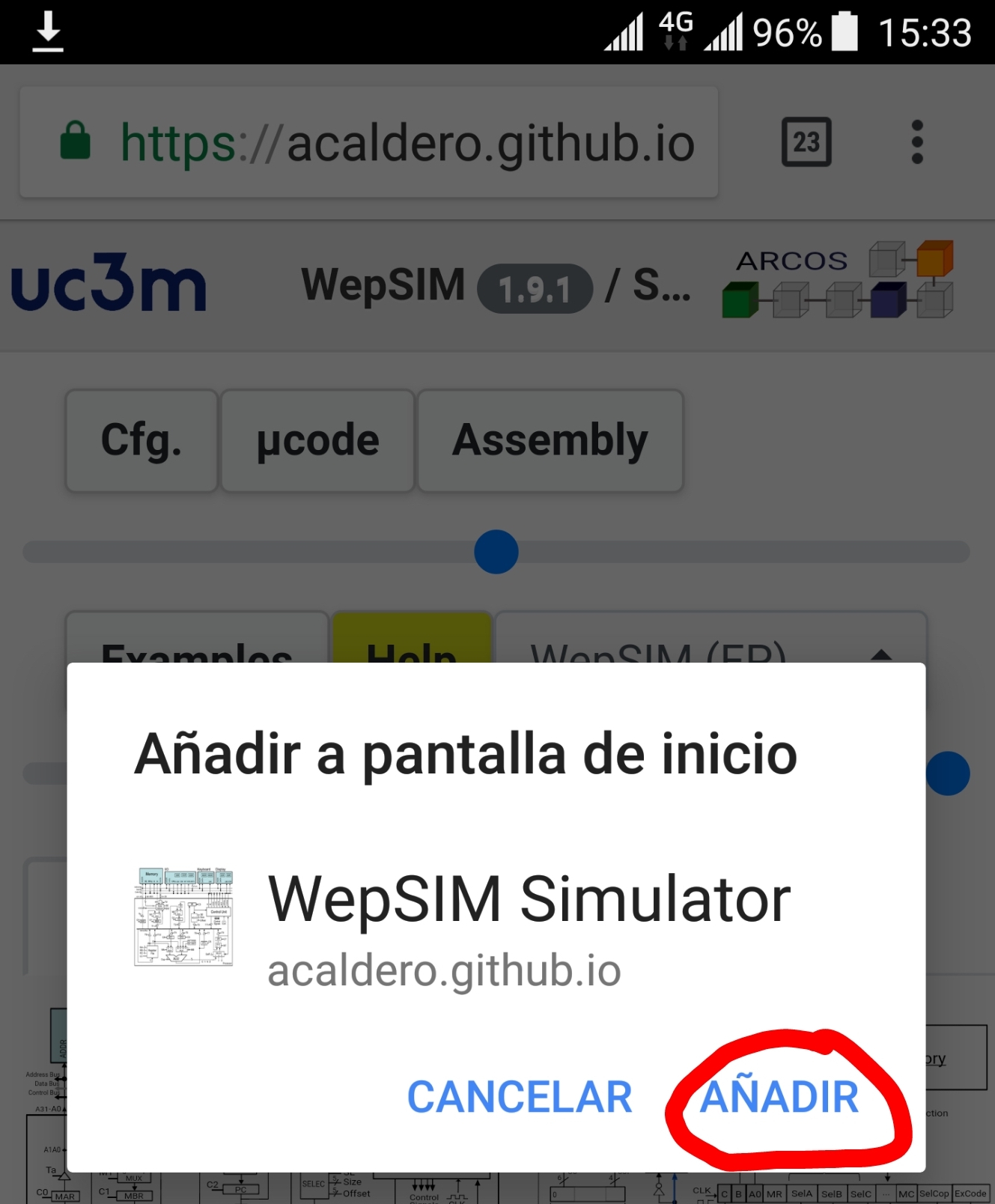 |
Finally, click in the 'add' option. |
| 4 | 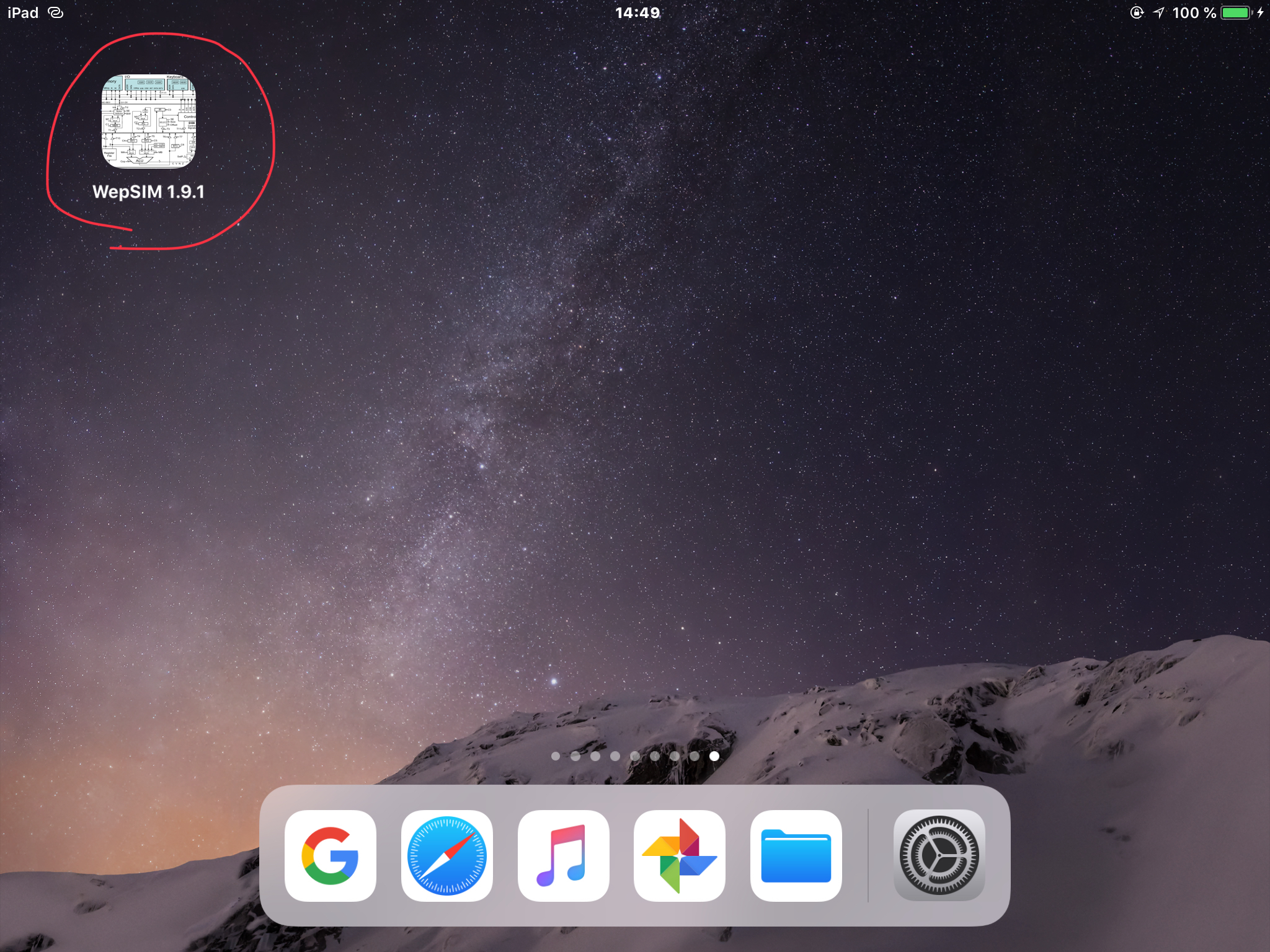 |
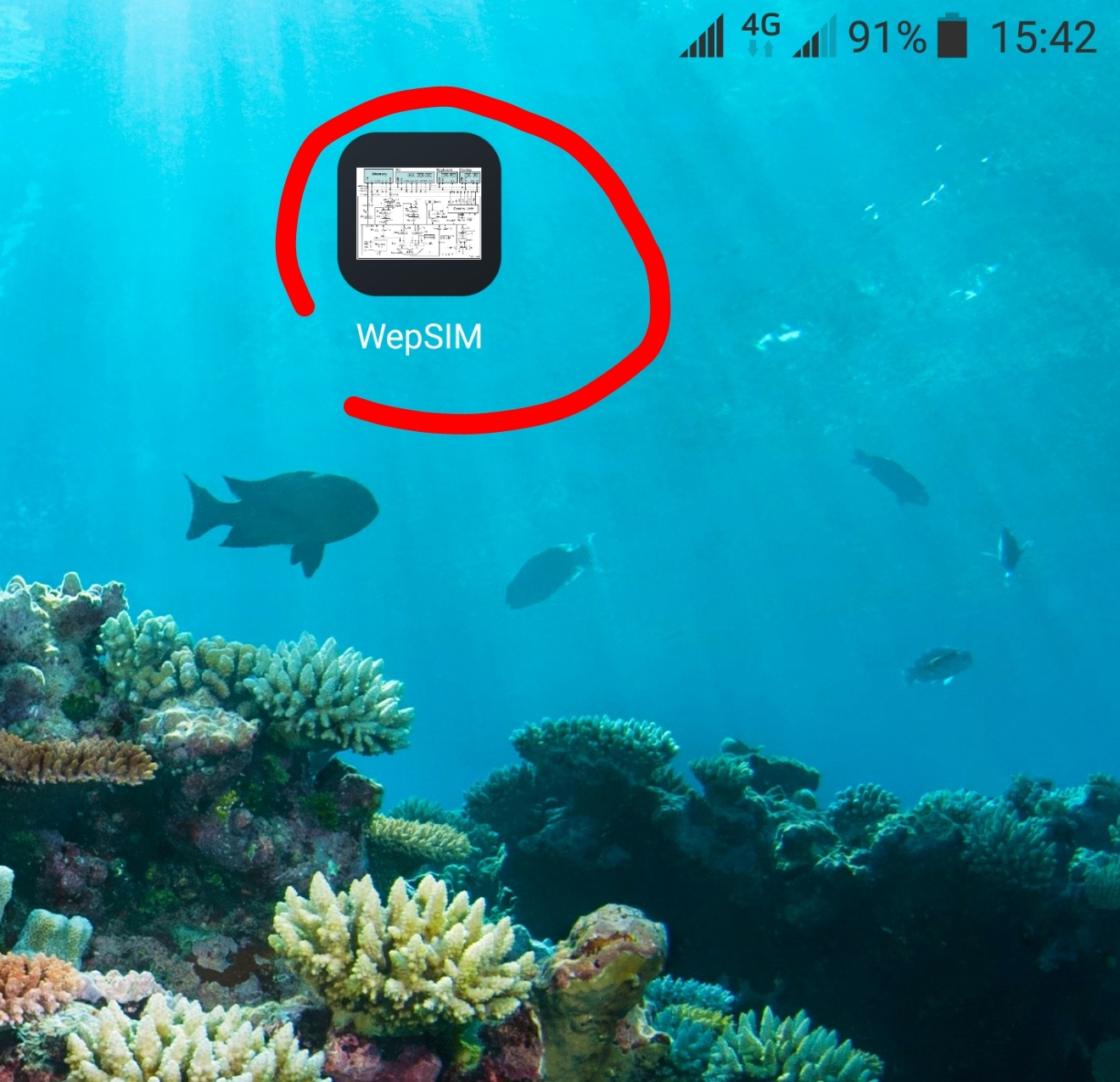 |
Then, WepSIM can be launched from the home screen icon. |